
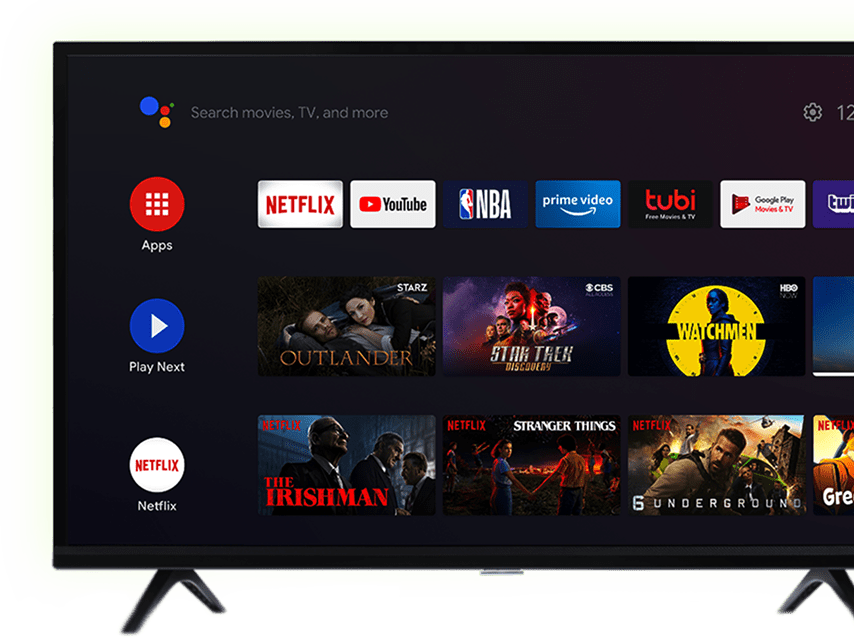
Quick answer: IPTV (Internet Protocol Television) delivers TV over an internet connection instead of through a satellite dish, aerial or cable. You watch it in an app on a Smart TV, Firestick, phone, tablet or computer. The technology is legal and widely used. What matters is whether the service you use has the rights to the content it offers.
How IPTV works
Traditional TV sends every channel to your home at once and your box picks one. IPTV works the other way round: you request a channel or programme and the server sends only that stream to you over the internet. This is called streaming.
- The provider gets or hosts the channels and video on its servers
- You log in through an app using an account, a playlist link or Xtream Codes details
- When you press play, the server sends that stream to your device
- Your app shows the picture, the channel list and, if available, the TV guide
Types of IPTV
- Live TV: channels streamed as they are broadcast
- Video on demand (VOD): films and series you can start whenever you want
- Time-shifted TV and catch-up: programmes you can watch after they aired, where the provider supports it
Many well-known services use IPTV technology, including the apps of pay-TV operators and broadcasters. Independent IPTV subscriptions use the same idea but are sold by separate providers, which is why checking the provider matters.
What you need to use IPTV
- A stable internet connection. Around 10 Mbps per HD stream and 25 Mbps per 4K stream is a good guide
- A compatible device: Fire TV Stick, Android TV, Smart TV, phone, tablet, Windows PC or Mac
- An IPTV player app. See our list of the best IPTV player apps
- An account from a provider, usually a login or a playlist link
Apps are only players. They do not include channels. The content comes from your provider.
How you log in: M3U or Xtream Codes
Most IPTV apps accept your account either as an M3U playlist link or as Xtream Codes details (server URL, username and password). Xtream Codes usually loads faster on large lists. Read the full comparison in IPTV M3U vs Xtream Codes.
IPTV vs cable and satellite
| Feature | IPTV | Cable / satellite |
|---|---|---|
| Delivery | Internet | Coaxial cable or dish |
| Equipment | App on your own device | Set-top box or dish |
| Contracts | Often flexible, depends on the provider | Often long contracts |
| On-demand and catch-up | Common | Varies |
| Works away from home | Often yes, on the app | Usually no |
| Needs good internet | Yes | No |
For a detailed comparison, see IPTV vs cable TV.
How to choose an IPTV provider
- Check the content rights. A provider that offers every premium channel and sports league at a very low price should make you cautious. Ask where the content comes from
- Read the refund and support terms before you pay
- Use a payment method with buyer protection
- Check device support for the devices you actually own
- Compare plans and connections. Our guide on how many IPTV connections you need helps you size a plan
Is IPTV legal?
IPTV as a technology is legal. Legality depends on the service and on whether it has permission to distribute the channels and films it provides. Rules differ by country, so check your local law and the provider’s licensing before subscribing.
Frequently asked questions
Do I need a special box for IPTV?
No. An app on a Fire TV Stick, Android TV, Smart TV, phone or computer is enough. See how to set up IPTV on a Firestick.
Why does my IPTV buffer?
Usually your own network or device. Follow our step-by-step guide to fixing IPTV buffering.
Can I watch IPTV on more than one device?
That depends on the number of simultaneous connections in your plan. You can often install the app on more devices than you can stream on at once.
Is IPTV the same as Netflix?
No. Netflix is an on-demand streaming service. IPTV usually adds live channels. Compare them in IPTV vs Netflix.
Next steps
Pick a player app, check which login format your provider supports and test on one device first. If you want to compare plans, see the available subscription plans and confirm connections and device support with support before ordering.