IPTV Box: Do You Need One? Box vs Firestick vs App (2026)
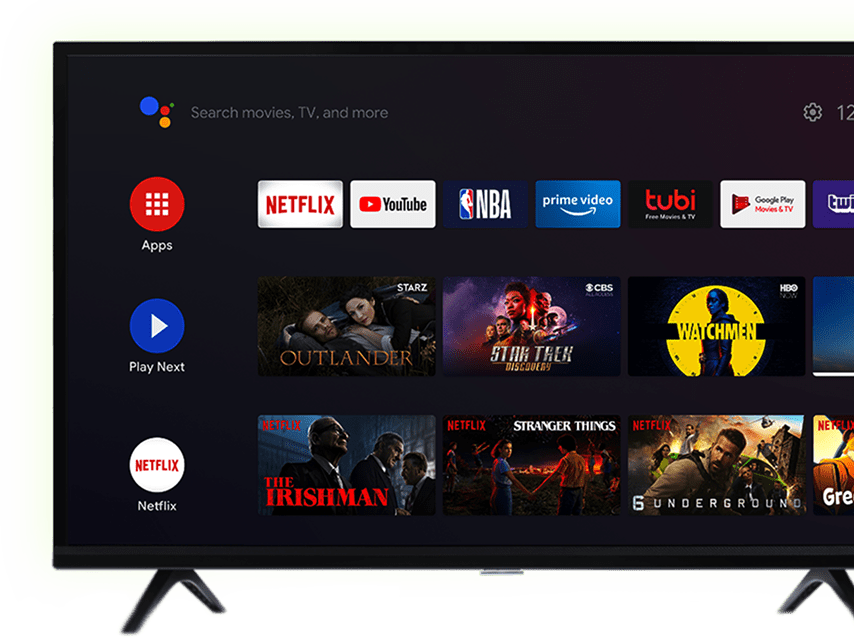
Quick answer: you do not need a special IPTV box. An IPTV subscription runs in an app, so a Fire…

Quick answer: you do not need a special IPTV box. An IPTV subscription runs in an app, so a Fire…
Quick answer: to use VLC for IPTV, open Media > Open Network Stream, paste your M3U link and press Play.…
Quick answer: Roku does not let you install any IPTV player the way Android TV or Fire TV does. Apps…
Quick answer: EPG stands for Electronic Programme Guide. In IPTV it is the TV guide that shows what is on…
Quick answer: Xtream Codes (also called the Xtream Codes API or Xtream login) is a way of logging into an…
Quick answer: IPTV Smarters Pro is a free-to-download IPTV player app. It does not include channels. You install it on…
Quick answer: to set up TiviMate, install it on your Android TV or Fire TV device, open it, choose Add…
Quick answer: an M3U playlist is a plain text file that lists media streams one after another. Players such as…
Quick answer: IPTV as a technology is legal. Whether a particular IPTV service is legal depends on one thing: does…
Quick answer: IPTV (Internet Protocol Television) delivers TV over an internet connection instead of through a satellite dish, aerial or…

Quick answer: an IPTV connection is one stream playing at the same time. Count the most people who will watch…
Quick answer: a 1-month plan costs more per month but lets you test the service and leave at any time.…
Quick answer: if your IPTV app supports Xtream Codes, use it. It loads faster, organises channels and movies for you…
Quick answer: a trial lets you test an IPTV service before you commit. Not every provider offers one, so ask…
Quick answer: for most people, IPTV Smarters Pro is the easiest to start with and TiviMate is the most polished…
Quick answer: most IPTV buffering comes from your own network or device, not from the stream. Switch to a wired…
Quick answer: to set up IPTV on a Firestick, install an IPTV player (from the Amazon Appstore, or with the…
Quick answer: before you buy an IPTV subscription in the UK, check the provider’s licensing, refund and support terms, test…
Quick answer: truly free IPTV is rarely reliable or safe, and some free playlists are unlicensed. Paid IPTV gives you…
Quick answer: a cheap IPTV subscription can be fine, but a price that looks too low is a warning sign.…
Quick answer: IPTV is usually cheaper and more flexible than cable, and works on devices you already own. Cable is…

Quick answer: Netflix is a licensed on-demand service with a fixed catalogue, profiles and consistent quality. IPTV usually adds live…
Quick answer: on a Windows PC or Mac, install an IPTV player (IPTV Smarters Pro for a proper channel list,…
Quick answer: on an iPhone or iPad, install an IPTV player from the App Store (IPTV Smarters Pro is a…
Quick answer: on Android phones, tablets and Android TV, install an IPTV player from Google Play (IPTV Smarters Pro or…
Quick answer: to watch IPTV on a Smart TV, install an IPTV player from your TV’s app store, then add…
Looking for the best way to watch IPTV on an Amazon Firestick in 2026? This guide covers which Firestick to…
Quick answer: the best IPTV subscription is the one that fits how you watch and that you can trust. Check…
Prepare your device and login details, check player availability and learn what information to send support if setup fails.
A practical checklist for comparing subscription length, connection options, device compatibility and refund terms before choosing a plan.