
IPTV Box: Do You Need One? Box vs Firestick vs App (2026)
Quick answer: you do not need a special IPTV box. An IPTV subscription runs in an app, so a Fire TV Stick, Google TV device, Android TV box, Apple TV or a Smart TV can all play it. A box is worth buying if your TV is old or slow, or if you want a […]
VLC for IPTV: How to Play an M3U Playlist in VLC (2026)
Quick answer: to use VLC for IPTV, open Media > Open Network Stream, paste your M3U link and press Play. Then open View > Playlist to see and pick your channels. VLC is free and works on Windows, Mac, Linux, Android and iPhone, but it is a general media player, so it has no proper […]
IPTV on Roku 2026: How to Watch (4 Options That Work)
Quick answer: Roku does not let you install any IPTV player the way Android TV or Fire TV does. Apps must come from the Roku Channel Store, and IPTV player options there are limited and change often. If you cannot find a suitable app, the most reliable options are screen mirroring from a phone or […]
IPTV EPG Explained: TV Guide and XMLTV Setup (2026)
Quick answer: EPG stands for Electronic Programme Guide. In IPTV it is the TV guide that shows what is on now and next for each channel. Your player gets it either from your provider (with an Xtream Codes login) or from a separate XMLTV link that you add next to an M3U playlist. If the […]
Xtream Codes API Explained: What It Is and How to Use It (2026)
Quick answer: Xtream Codes (also called the Xtream Codes API or Xtream login) is a way of logging into an IPTV service. Instead of loading one big playlist file, you enter three things in your player app: a server URL (with the port), a username and a password. The app then asks the server for […]
IPTV Smarters Pro: What It Is, How to Install and Set It Up (2026)
Quick answer: IPTV Smarters Pro is a free-to-download IPTV player app. It does not include channels. You install it on your device, choose Login with Xtream Codes API or add an M3U playlist, and enter the details your IPTV provider gave you. Install it only from the official app store for your device. What is […]
TiviMate Setup: How to Add Your IPTV Playlist (2026 Guide)
Quick answer: to set up TiviMate, install it on your Android TV or Fire TV device, open it, choose Add playlist, select M3U playlist or Xtream Codes, enter the details from your provider and let the channels and TV guide load. Setup takes about 5 to 10 minutes. What is TiviMate? TiviMate is an IPTV […]
What is an M3U Playlist? How It Works and How to Use It (2026)
Quick answer: an M3U playlist is a plain text file that lists media streams one after another. Players such as VLC, Kodi, IPTV Smarters Pro and TiviMate read the file and build a channel list from it. You can load it from a link (URL) or from a file on your device. What is an […]
UK Channels Online 2026: How to Watch UK TV Legally and Safely
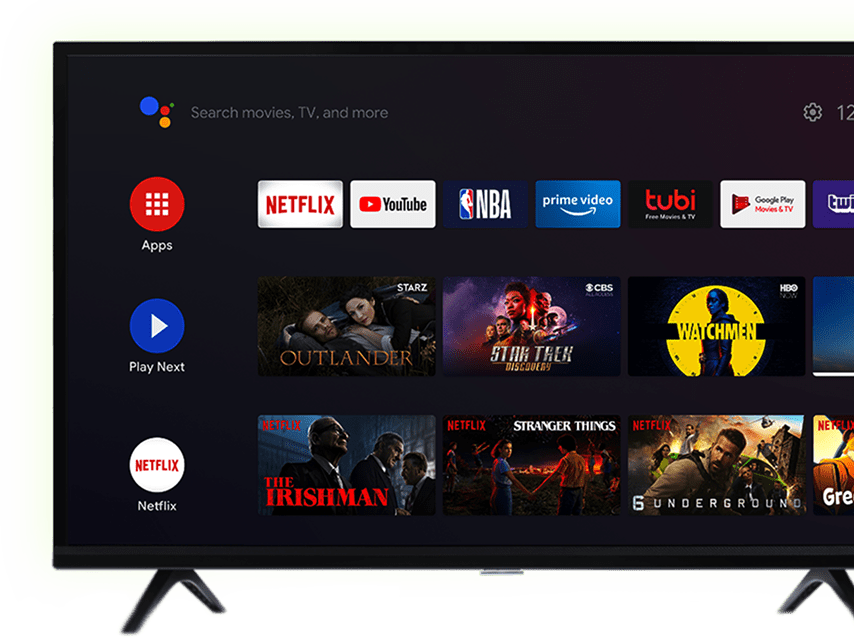
Quick answer: in the UK you can watch the main public-service channels free through BBC iPlayer, ITVX, Channel 4 and My5, and many more through Freeview or paid services. Live TV needs a TV Licence. If you are outside the UK, official UK services are often restricted by country, so check what each one allows. […]
Arabic IPTV 2026: How to Watch Arabic TV Channels Safely
Quick answer: you can watch Arabic TV online through official streaming apps and through IPTV services. Official apps are the safest because they hold the rights to their channels. If you choose an IPTV service, check who supplies the Arabic channels, whether the service has the rights, and whether the TV guide and apps work […]